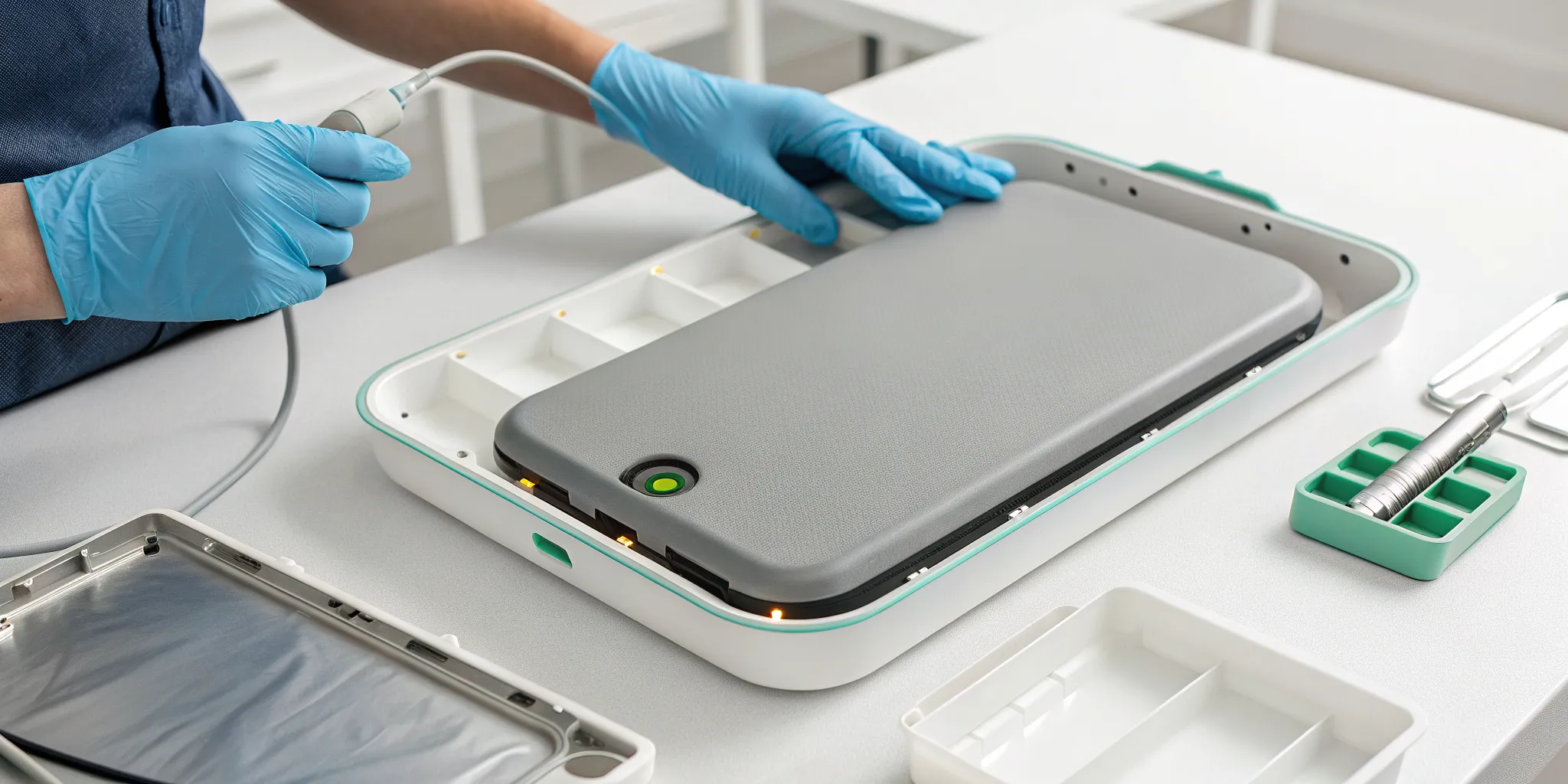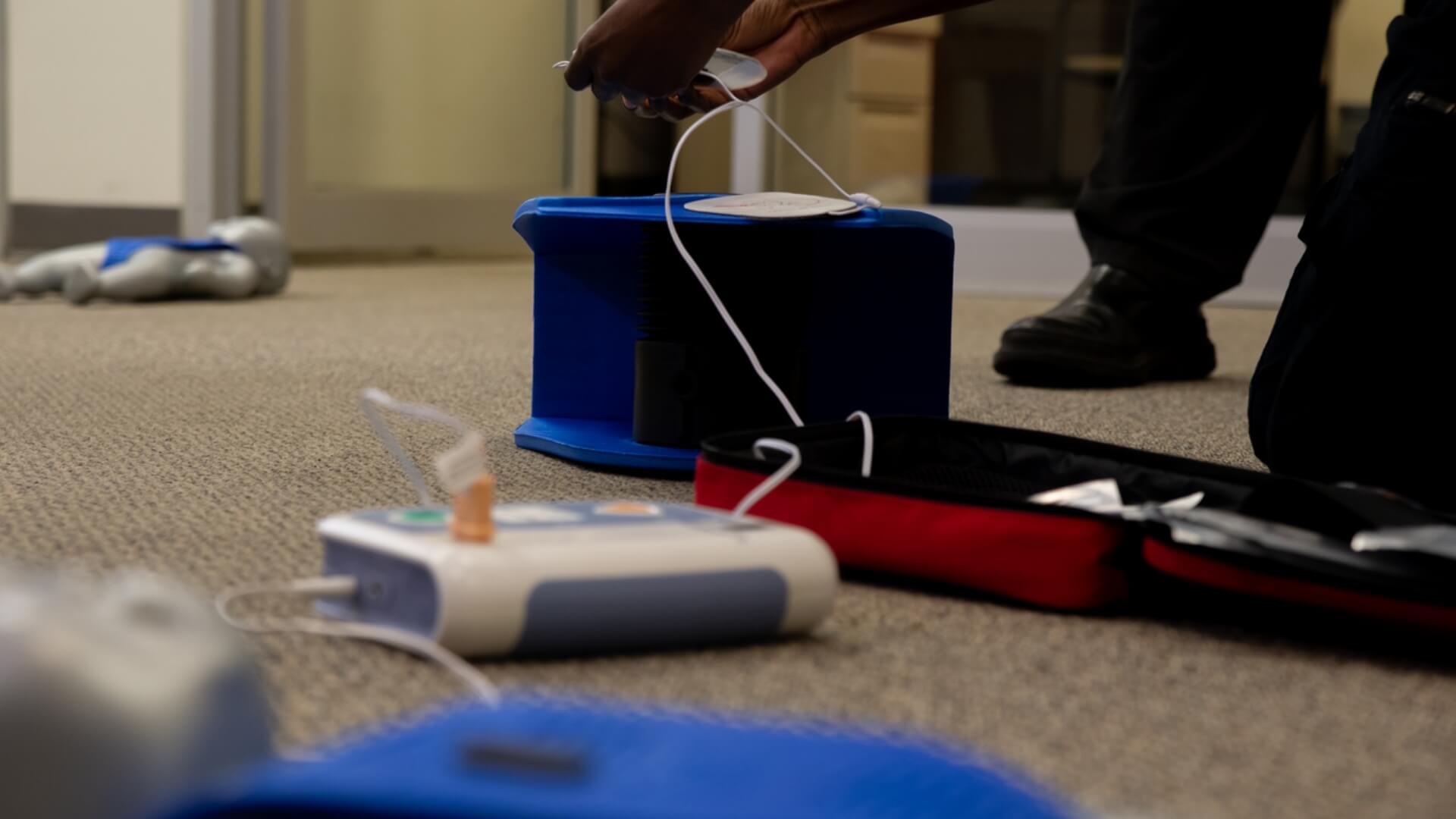
An AED battery is the heart of a life-saving device. It powers every single shock during a sudden cardiac arrest, so its reliability is everything. While the general AED battery life is two to seven years, the real question is, how long do ZOLL AED batteries last? The answer varies by model and proper care. Understanding your specific device’s AED lifespan is critical, as a dead battery is the most common reason a rescue fails. The expiration date directly impacts shock delivery, so you must replace batteries on time to ensure your AED is ready when every second counts.
AED Battery Life: How Long Do They Last by Brand?
This guide shows you how long your AED battery lasts. Staying informed helps you be ready and avoid surprises when it counts.
| AED Brand | Model | Battery Life | Running Time and Number of Shocks When New | Replacement Battery |
| Philips | HeartStart FRx and HeartStart OnSite | 5 years uninstalled from the date of manufacture or 4 years installed | 4 hours or 200 shocks at 77° F
(25° C)
10 hours in training mode | Philips HeartStart Battery M5070A
|
| Defibtech | Lifeline DCF-100 and Lifeline ECG | 5 years installed (standard battery)
7 years uninstalled or 5 years installed (high-capacity battery) | 8 hours or 125 shocks
16 hours or 300 shocks | Defibtech Standard DBP-1400 Battery
|
| Lifeline VIEW and Lifeline ECG | 4 years installed | 8 hours or 125 shocks | Defibtech VIEW AED Battery DCF-2003
| |
| LIFEPAK | LIFEPAK CR2 | 4 years | 800 minutes or 166 shocks at 200 joules | |
| HeartSine | Samaritan PAD 350P, Samaritan PAD 360P, Samaritan PAD 450P | 4 years | 6 hours or at least 60 shocks (new)
at least 10 shocks (4 years old) | Adult Samaritan Pad-Pak AED battery and pad cartridge
|
| ZOLL | ZOLL AED Plus | 10 years uninstalled
5 years installed (software version 5.32 or higher) 3 years installed (earlier software versions) | Not specified | ZOLL AED Plus Replacement Batteries (set of 10) |
| ZOLL AED Pro | 5 years installed | 15 hours or 300 shocks at 200 joules at 68° F (20°C) | ZOLL AED Pro Non-Rechargeable Lithium Battery | |
| Cardiac Science | Powerheart G5 | 5 years uninstalled
4 years installed | 16 hours or 250-420 shocks at 68-86° F (20-30° C) | Cardiac Science Powerheart G5 Replacement Battery |
The lifespan of an AED battery depends on its storage conditions. Factors like temperature, humidity, and risks such as short-circuiting can shorten its durability.
In models such as the ZOLL AED Plus, which use many batteries, it’s essential to replace them all together. Swapping a few parts and resetting the unit might seem like it’s ready. But the device may still not have enough power for a full rescue.
Important note: Always replace your AED with batteries approved by the manufacturer. Using off-brand options can affect performance during emergencies and may cancel the warranty.
A Closer Look at ZOLL AED Batteries
ZOLL is a well-known name in the world of AEDs, and their devices are trusted in organizations everywhere. However, each model has unique battery requirements that are essential for proper maintenance and readiness. Understanding the specifics of your device’s battery—from its type and lifespan to critical replacement rules—is fundamental to a successful AED program. A dead battery turns a life-saving device into a useless box, and keeping track of these details is a non-negotiable part of ownership. Let’s break down the battery details for three of ZOLL’s most popular models: the AED Plus, AED 3, and AED Pro.
ZOLL AED Plus
The ZOLL AED Plus is one of the most common devices on the market, known for its user-friendly CPR feedback. Its battery setup is unique compared to other AEDs and requires careful attention to detail to ensure it’s always ready for a rescue. Because it uses multiple consumer-grade batteries, there are specific rules you must follow to maintain compliance and ensure the device functions correctly when you need it most. Overlooking these details can lead to device failure during an emergency, which is a risk no organization can afford to take.
Battery Type and Brand Requirements
The ZOLL AED Plus runs on ten type 123 lithium batteries. A key feature of this model is that it uses consumer-grade batteries you can find in many stores, but it is critical to use only the Duracell brand as recommended by ZOLL. Using other brands, even if they are the same type, can lead to device errors or premature low-battery warnings that create unnecessary panic and maintenance cycles. This specificity is exactly why having a clear AED management plan is so important—it ensures the correct supplies are always used, removing any guesswork when it’s time for a replacement.
Performance and Lifespan
These batteries have an impressive standby life. When left uninstalled, they can last up to 10 years from their manufacture date. Once installed in a device with up-to-date software, they have a five-year lifespan. For devices running older software versions, that lifespan is reduced to three years. While this long life provides peace of mind, it doesn’t eliminate the need for regular monitoring. An AED’s self-tests are helpful, but routine visual inspections and diligent tracking of expiration dates are key to ensuring your device is truly ready to perform. Consistent oversight confirms that your device is always prepared for a rescue.
Critical Battery Warnings
When it’s time to change the batteries in a ZOLL AED Plus, you must replace all ten at once. It might be tempting to only swap out a few to save money, but this creates a serious risk. A mix of old and new batteries can prevent the device from delivering a sufficient charge during a rescue, even if it appears to be functioning correctly after the change. This is one of the most common and dangerous maintenance mistakes. To avoid this, always purchase and install a complete set of ten replacement batteries to guarantee your device has the full power it needs.
ZOLL AED 3
The ZOLL AED 3 simplifies battery management with a single, disposable lithium manganese dioxide battery pack. This unit is designed to last up to five years once installed in the device, providing a long and reliable service life without the need for frequent changes. The all-in-one design also makes replacement straightforward—you just swap out the old pack for a new one, which reduces the chance of user error. This battery powers the device’s advanced real-time CPR feedback and its full-color display, making it a dependable tool for responders in high-stress situations where clear guidance is essential.
ZOLL AED Pro
Designed for professional rescuers and demanding environments, the ZOLL AED Pro uses a robust, non-rechargeable lithium battery that also lasts for five years once installed. Its performance is built for high-use scenarios, capable of providing up to 15 hours of continuous operation or delivering 300 shocks at 200 joules. This extended capacity ensures that first responders have a reliable device that can handle complex rescue situations without concerns about power failure. The battery’s durability matches the rugged design of the AED Pro itself, making it a trusted choice for healthcare facilities and emergency medical services teams who need their equipment to perform flawlessly every time.
Is Your AED Battery Expired? Here’s How to Check
AED end dates differ by model. Each device uses one of three standard methods to decide when it needs replacement.
Understanding the Manufacture Date
Most AED batteries show a manufacture date. This date tells you how long they should work. To get the best lifespan, use batteries rated for four years. Install them within a year of buying, or after five years in storage.
The Critical “Install By” Date
Some AED batteries have an “install by” date instead of an end date. Installing them before this date helps them last for about four years.
Finding the Final Expiration Date
Certain AED batteries come with a preset end date that assumes instant installation. The Defibtech long-life battery lasts up to seven years. After that, it needs to be replaced.
Shelf Life vs. Installed Life: What’s the Difference?
The shelf life of an unused AED battery signals how long it remains reliable in storage. Replacing it before that date ensures the device stays ready for emergencies.
How to Replace and Maintain ZOLL AED Plus Batteries
The ZOLL AED Plus is a popular and trusted device, known for its user-friendly design and clear instructions. But like any life-saving equipment, its readiness depends on consistent maintenance, especially when it comes to its power source. The ZOLL AED Plus uses ten consumer lithium batteries, which makes them easy to find but also introduces a few specific steps you must follow during replacement. Getting this process right is essential for ensuring the device will be ready to perform during an emergency. Let’s walk through the simple but critical steps for checking and replacing the batteries in your ZOLL AED Plus to keep it compliant and rescue-ready.
Checking the Battery Status Indicator
The ZOLL AED Plus makes it easy to know its status at a glance. The device features a status indicator on the front, which should display a green checkmark. This green light confirms that the AED has passed its last self-test and is ready for use. If you see a red “X” instead, it’s a clear signal that the device needs attention. This usually means the batteries are low and need to be replaced immediately. Regular visual inspections are a core part of any AED program, but it’s easy for these checks to be overlooked. This is why many organizations rely on AED program management to track readiness indicators and ensure every device is always prepared.
The Correct Battery Replacement Procedure
When your ZOLL AED Plus indicates it’s time for a battery change, it’s important to replace all ten batteries at once with new, manufacturer-approved ones. Mixing old and new batteries can cause the device to fail its self-test and leave it without enough power for a rescue. Once you insert the new batteries, the AED will automatically power on and begin a self-test. During this check, it verifies that all its internal components are working correctly, including the pads, heart rhythm analysis software, shock delivery system, and voice prompts. This automated process is the first step in confirming the device is back in working order.
Using the Battery Reset Button
After the initial self-test, the AED will prompt you to press the small “Battery Reset Button” located inside the battery compartment. This is a step that is often missed but is absolutely critical. Pressing this button tells the AED’s internal software that a full set of fresh batteries has been installed. Without this reset, the device might not accurately recognize the new power level and could continue to signal a low-battery warning, even with brand-new batteries. This simple action ensures the device’s battery gauge is accurate, giving you confidence in its readiness for the next five years.
Confirming Readiness with the Automatic Self-Test
Once you’ve pressed the reset button and closed the battery compartment, the ZOLL AED Plus will complete its final checks. The device will confirm that everything is functioning as it should, and the status indicator will switch from the red “X” back to the green checkmark. This final confirmation is your signal that the battery replacement was successful and the AED is once again ready to save a life. Always double-check for that green checkmark after performing any maintenance. Proper battery care is a cornerstone of a reliable emergency response plan, ensuring your equipment is always prepared when seconds matter most.
It’s Not Just the Battery: Your AED Pads Expire, Too
AED electrode pads expire because the adhesive gel loses its effectiveness over time. As the pads dry, they may not stick well or conduct electricity. That’s why they usually last only two to four years.
Research shows that many AED failures come from expired batteries or pads. Each of these issues makes up about a quarter of reported problems. You can avoid many of these failures by replacing batteries on time. Always keep a spare battery on hand. It helps with unexpected drains or issues in emergencies.
How to Manage AED Expiration Dates
Check your automated external defibrillator’s battery life regularly. It’s easy to do these steps to keep it ready.
- Note the manufacture, install-by, or end date on the inspection tag. This helps keep track of the battery’s status. This way, you can schedule replacements on time.
- Follow your state’s AED rules. Check the device every month to ensure it works and the batteries are charged.
- Set reminders to replace AED batteries and pads. You can mark a calendar or use management software to automate this task.
- Joining an AED program with an authorized provider helps you track end dates. It also updates you on training needs. Plus, it manages essentials like signage and reporting.
Manual Tracking for Simple Setups
If your organization has just one or two AEDs, manual tracking can seem like a manageable option. This typically involves using a spreadsheet or a physical inspection tag to note the manufacture and install-by dates for batteries and pads. You’d also need to set calendar reminders for monthly checks and upcoming replacements. While this method can work for very simple setups, it relies entirely on human diligence. A missed calendar alert, a forgotten check during a busy week, or a change in personnel can easily create dangerous compliance gaps. As your program grows or team members change roles, the risk of an oversight increases, potentially leaving your device unprepared when it’s needed most.
Automated AED Program Management
For organizations that want to eliminate guesswork and reduce liability, automated management is the most reliable solution. Considering that about a quarter of all reported AED failures are due to expired batteries, leaving readiness to chance isn’t an option. A full-service AED program management system automates every critical detail, from tracking expiration dates for batteries and pads to logging monthly inspections and ensuring compliance with state regulations. Instead of relying on a spreadsheet or calendar, you get automated alerts and expert oversight, giving you confidence that every device is ready to respond when seconds matter most.
How to Properly Dispose of an Expired AED Battery
Expired AED batteries need to go to a recycling or hazardous waste facility. Don’t throw them in the trash, as improper disposal can lead to fires. Recycling also recovers valuable materials like lithium, helping preserve limited resources.
How a Dead Battery Impacts a Rescue Attempt
Although AED batteries may last several years in storage or standby mode, their reliability decreases with age. Monitoring their condition and replacing them before power fades ensures the device is always ready for emergencies.
- Always use the battery that the manufacturer recommends. This ensures your AED works safely and effectively.
- Follow the manufacturer’s guidelines for storing and installing the AED battery. This keeps it performing at its best.
- Set up regular reminders for inspections and battery changes. You can also join an AED management program to stay on track easily.
- Keep a backup battery with your AED. This ensures it’s ready if there’s a malfunction or during a long emergency.
Maintaining AED batteries and pads may seem like a task at first, but it quickly becomes routine. Keeping the device fully functional is vital, as a ready AED can make the difference in saving a life.
FAQs
How do I know when to replace my AED battery?
Check the battery’s manufacture, install-by, or end date. Also, follow the device’s indicators or alerts.
Can I use any battery in my AED?
No. Only approved manufacturers should use batteries. This ensures proper function and keeps warranty coverage intact.
What happens if the AED battery fails during an emergency?
If the battery fails, the AED may not deliver a shock, which could put a life at risk. Always keep a spare battery available.
Do AED electrode pads expire like batteries?
Yes. Most AED pads last two to four years. The adhesive gel dries out over time, which lowers their effectiveness.
How should I dispose of expired AED batteries?
Take expired batteries to a recycling or hazardous waste facility. Don’t throw them in the regular trash.
Keeping Your AED Rescue-Ready
In the end, keeping your AED in top condition comes down to proper battery care. To keep your device ready, know how long the battery lasts. Check end dates and replace it on time. This way, it will be ready when you need it most. A well-kept AED can mean life or death. So, regular checks and timely replacements are key to being ready.
Key Takeaways
- Check your specific model’s battery needs: Battery lifespans and types vary significantly by brand, so confirming your device’s exact requirements is the first step to keeping it rescue-ready.
- Follow the rules for ZOLL AED Plus batteries: This common device requires you to replace all ten batteries at once with the correct brand and press the internal reset button, steps that are essential for proper function.
- Remember that pads expire too: An AED is only as good as its weakest component, so you must track expiration dates for both batteries and electrode pads to ensure your device will work correctly during an emergency.
Related Articles
Disclaimer for information purposes only:
The information provided on this website is intended for general educational and informational purposes only. It is not medical advice and should not be used as a substitute for professional diagnosis, treatment, or care. Always consult a qualified healthcare or medical professional regarding any health-related questions or concerns.
While we strive to ensure the information shared is accurate and up to date, no guarantees are made regarding completeness, accuracy, or applicability to any individual situation. Use of this content is at the reader’s sole discretion and risk.
This website is part of the Response Ready family of emergency preparedness and training resources, including CPR & first aid training and compliance services, AED sales and program support, AED program management software, and medical oversight solutions provided through our affiliated platforms:
• CPR1.com
• AEDLeader.com
• ResponseReady.com
• MDSIMedical.com
By accessing or using this website, you agree to release, indemnify, and hold harmless the website owners, authors, contributors, and affiliated entities from any claims, losses, damages, or liabilities arising from the use or reliance on the information presented.